Viator supplier guide: what the algorithm looks at to rank your tour
Are you a Viator supplier? The three criteria Viator uses to rank tours, the cancellation rate thresholds, and where cancellations and bad reviews come from.
Contents
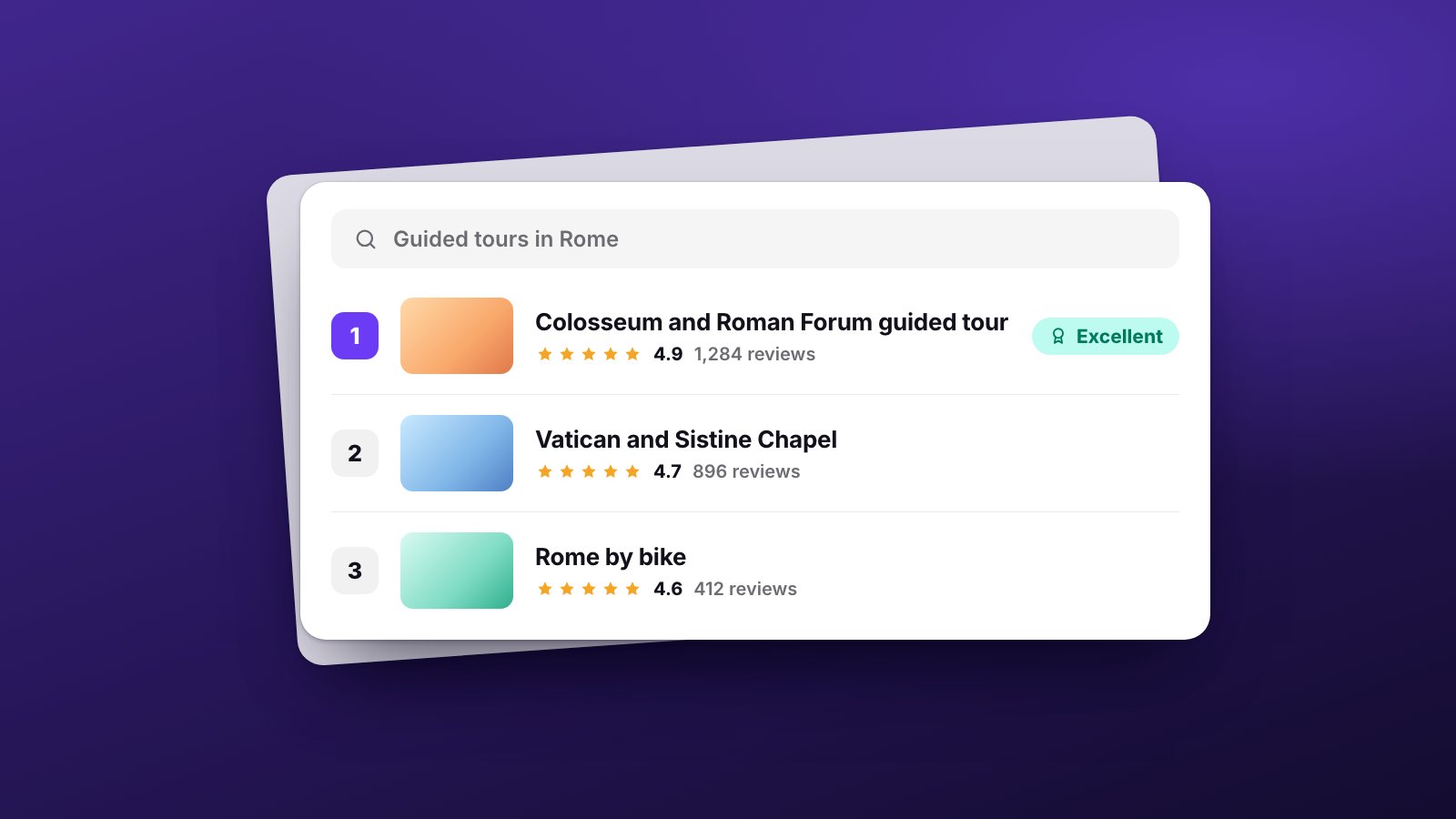
You’ve rewritten your tour title on Viator twenty times. You’ve changed the photos twice this year. And yet your position in search results depends on more than just your listing: part of it is decided after the sale.
If you are a Viator supplier, an operator selling experiences on Viator, you don’t have to guess how results are sorted. Viator explains how its ranking system works in its Operator Resource Center: it rests on three pillars, and one of them contains a factor that deserves a closer look. Here is what counts.
What counts for a Viator supplier: the three ranking pillars
1. Relevance: your tour needs to match what travellers are looking for
What counts is the type and category of the activity, the locations visited (above all, which attractions the tour includes), the title and description, and how well your product matches travellers’ criteria, such as duration, dates, time of day, skip-the-line and interests.
This is where the listing matters. If your tour includes access to the Colosseum arena but your listing doesn’t clearly say so, you may not show up when someone searches for that experience. Viator requires at least 2 photos, recommends at least 6, along with a description of at least 100 characters.
2. Competitiveness against similar tours
Reviews, ratings, price and availability all play a role, always compared with similar products and looking at both historical and recent performance. The number of reviews and ratings is combined across Tripadvisor and Viator, and how recent they are counts too.
In other words, it’s not just about how good your tour is. It’s about how competitive it is compared with similar experiences.
3. Popularity: how often the tour is searched for and chosen
Clicks compared to the number of times the tour is shown, listing views, searches for your product and bookings received through Viator, again over both historical and recent performance. That creates a snowball effect: whoever sells shows up more, and whoever shows up more sells more.
Commission and Accelerate: the factor that gets talked about least
Within the second pillar, Viator also includes compensation: the revenue it makes from listing your product. In its own words, this may affect your product’s place in a list, but agreeing a higher commission won’t propel it to the top. It is one of many factors that may have an impact.
On top of that there’s Accelerate, a programme that lets you raise your commission in exchange for more exposure. Accelerate products are promoted across Viator’s partner network, thousands of third-party sites including airlines and hotels, and by over 100,000 travel agents, and they get dedicated ad placements.
It’s a legitimate option, but it’s important to understand what you’re paying for: wider distribution and advertising exposure, not a guaranteed climb in the results.
Your cancellation rate: the part you can’t fix from the listing
Viator also has quality standards for each product. One of them is your cancellation rate: the bookings you cancel, or ask the customer to cancel, over a rolling 90-day period.
- A rate below 5% is required for the “Good” quality level.
- A rate below 2% is required for the “Excellent” level.
Cancellations due to adverse weather, a significant global event, or a customer asking you to cancel for them are not counted. The Management Center shows your rolling 90-day cancellation rate, with the reasons and the financial impact. And if you have to cancel, Viator asks for 24 hours’ notice at the very least.
Where cancellations and bad reviews come from
Now think about where some of those cancellations and two-star reviews come from. Not from the listing, but from how the service is prepared after the sale:
- named tickets that couldn’t be issued on time because a passenger’s name was missing;
- the guide nobody assigned;
- the voucher with the wrong time slot;
- the last-minute change that never reached the supplier;
- the meeting point the customer couldn’t find.
Where TourOperate comes in
TourOperate doesn’t change your Viator listing, and it won’t magically move you up ten positions in search results. What it does is help you manage the operational work behind each booking, so you can reduce avoidable mistakes and deliver a more reliable service. Bookings come in from Bókun and link themselves to their departure, each with the seller it came through. The benefits are set out service by service.
- Every departure’s passengers in one place. The passenger details page shows the passengers of a day, departure by departure, with the details chosen in the operational profile, such as first and last name. A detail the passenger didn’t give is marked as not provided. You can export it all to Excel and prepare named tickets while there’s still time.
- What’s missing, in plain sight. In the Control Room each departure stays “Not ready” while something is missing, such as a guide to assign or bookings that aren’t covered. The alerts panel collects today’s and tomorrow’s departures that still have something to do.
- Every file on its departure. You attach vouchers, tickets and instructions to the departure on that day and at that time, and choose which assigned staff receive each file.
- Each person’s day, and the updates. Every assigned staff member receives their daily pack: a single email with their departures for the day and their files. Each partner receives one email a day listing their services. You can see whether an email was sent, delivered and opened; if someone’s day changes after sending, the email shows as out of date and you send the update.
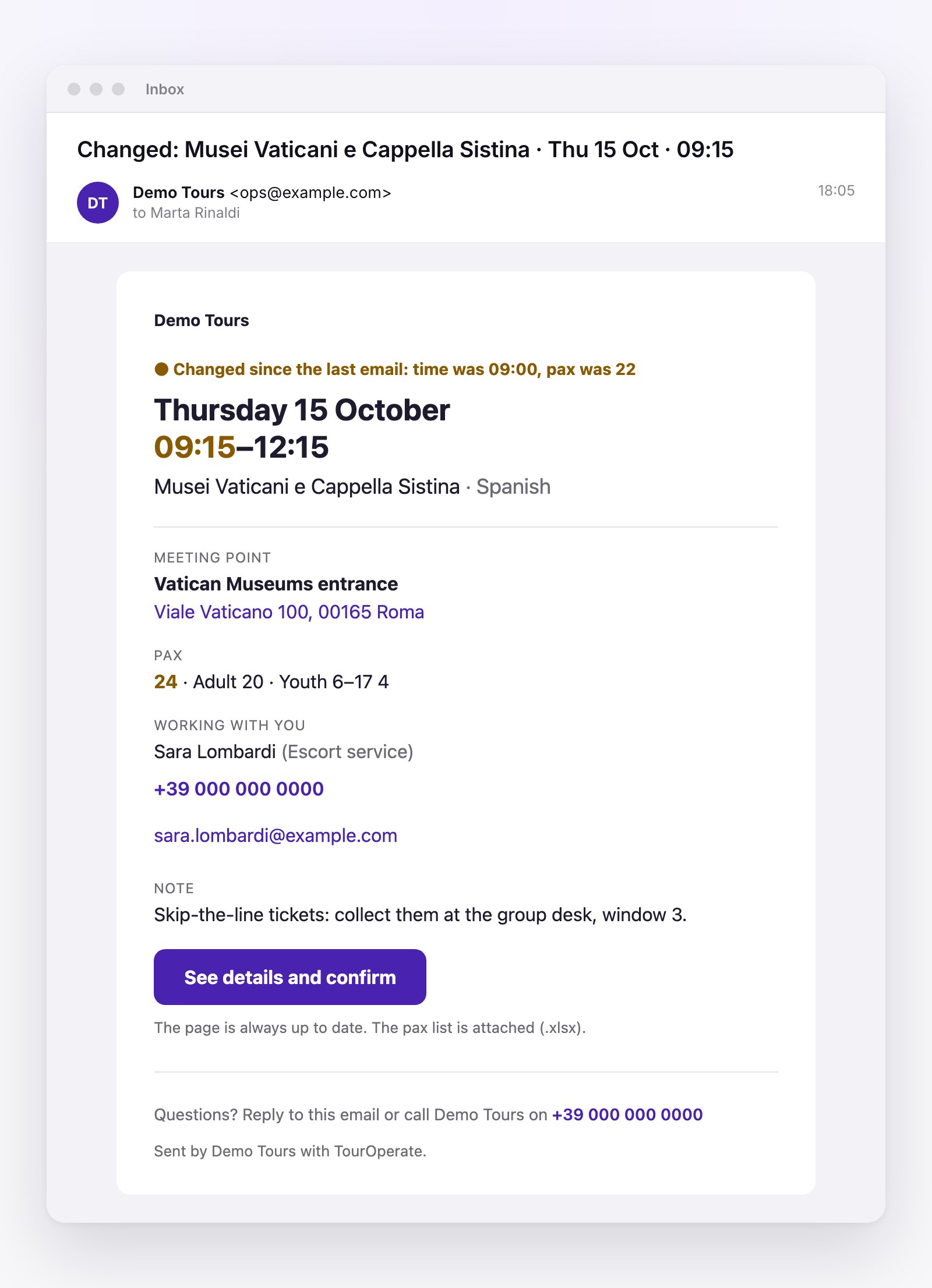
To see the full flow, from the booking to the email of the day, read How it works.
Sources
- Viator, Understanding how ranking and sort work on Viator, accessed 23 October 2026.
- Viator, Managing Cancellations: Best Practices for Your Business and Customers, accessed 23 October 2026.
- Viator, How Viator Accelerate Drives Product Exposure, accessed 23 October 2026.
Organise your days with TourOperate
Try it free